Screenshots
What it does
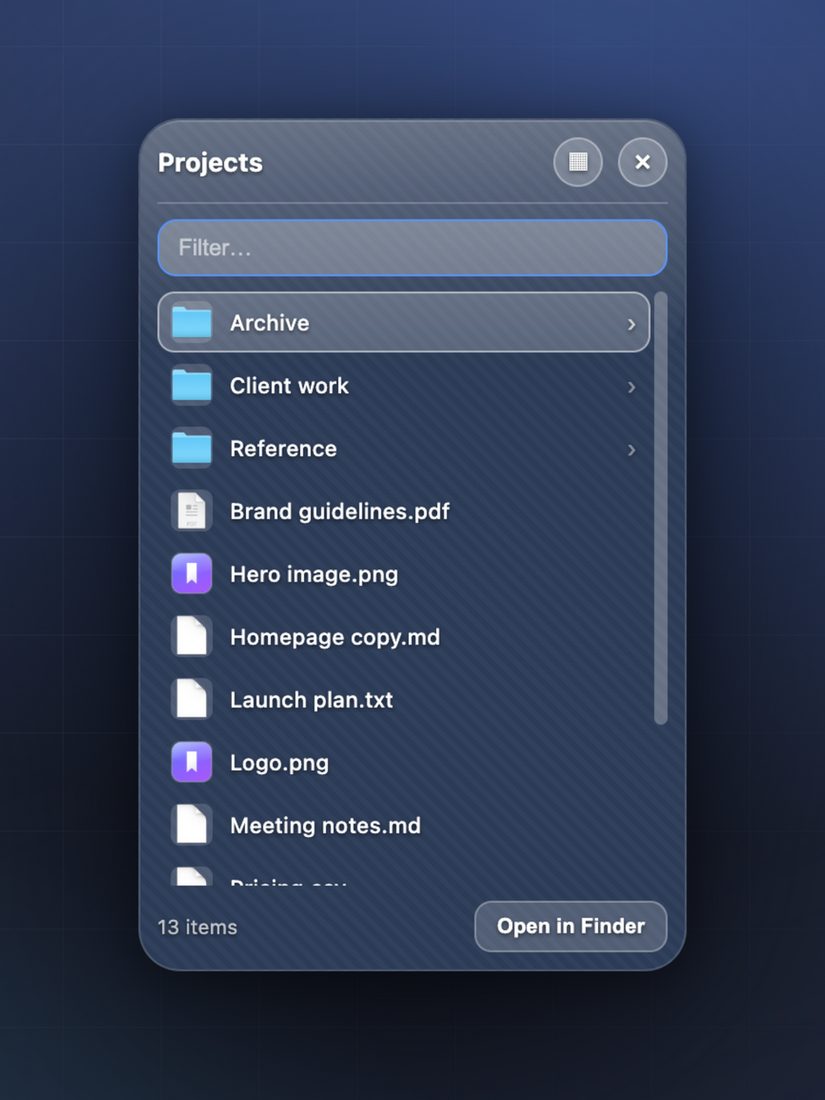
The things you actually open
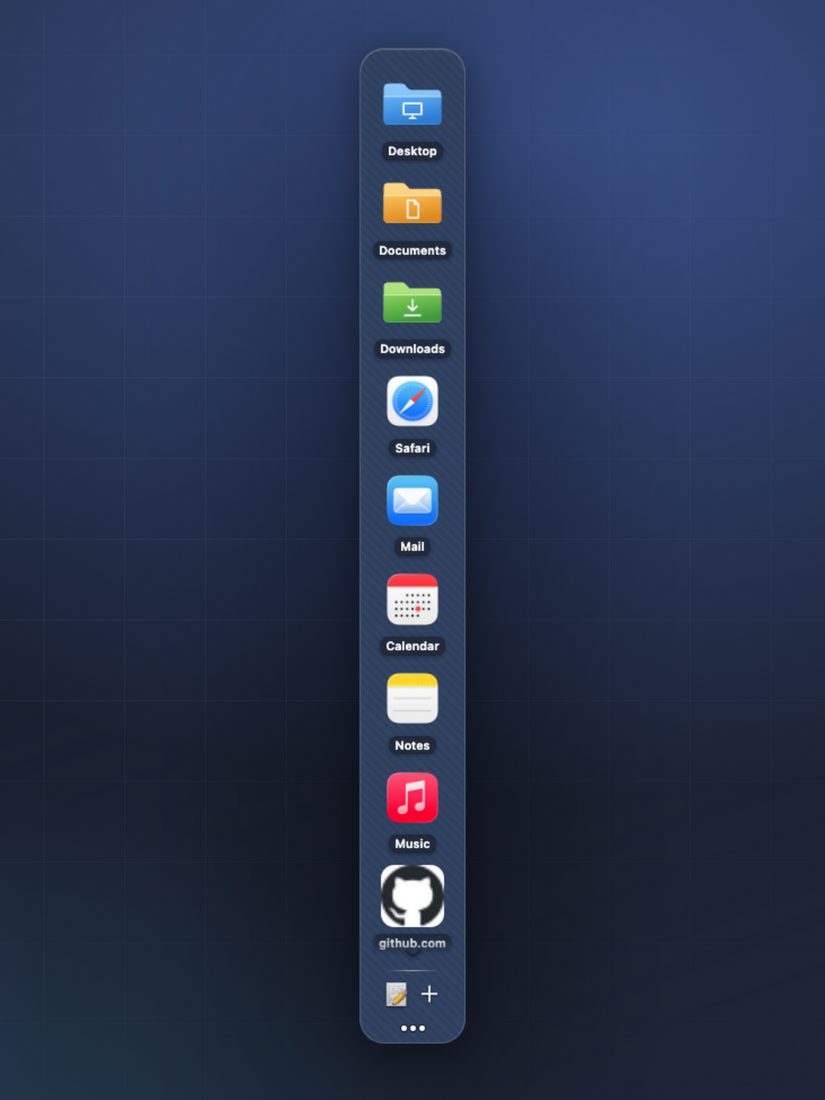
The folders you live in, the files you keep reopening, the sites you check every morning — one click away, wherever you want them on screen.
Built in seconds
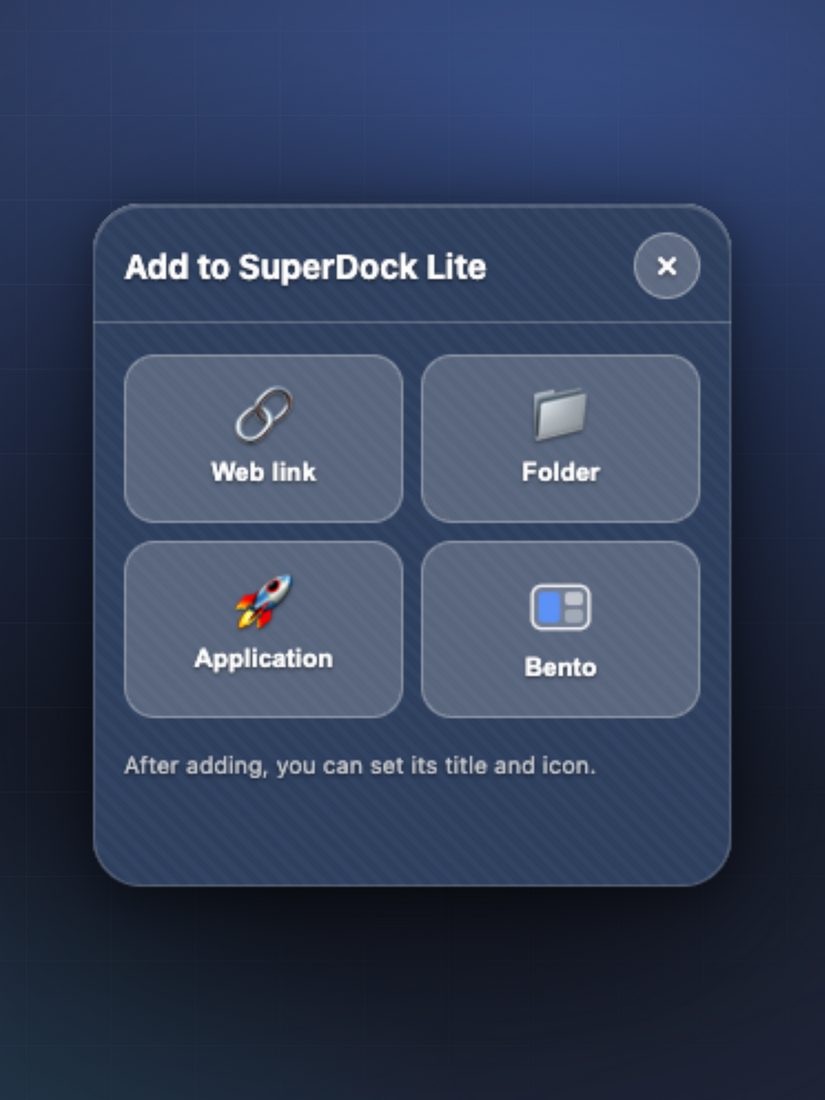
Drag something in from Finder, or pick it from a panel. There’s nothing to configure before it’s useful.
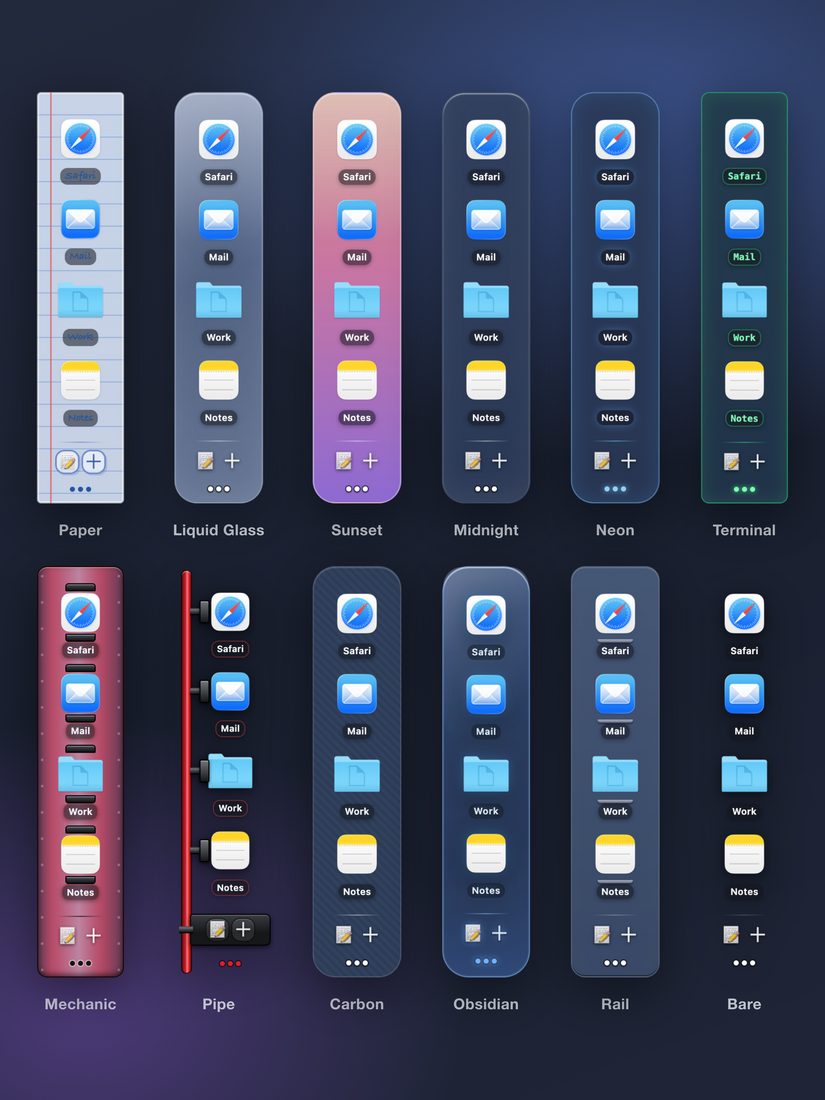
Real icons, not placeholders
Apps look like apps, pictures show a thumbnail, and websites keep their own favicon — every tile is recognisable at a glance.
A Bento launcher
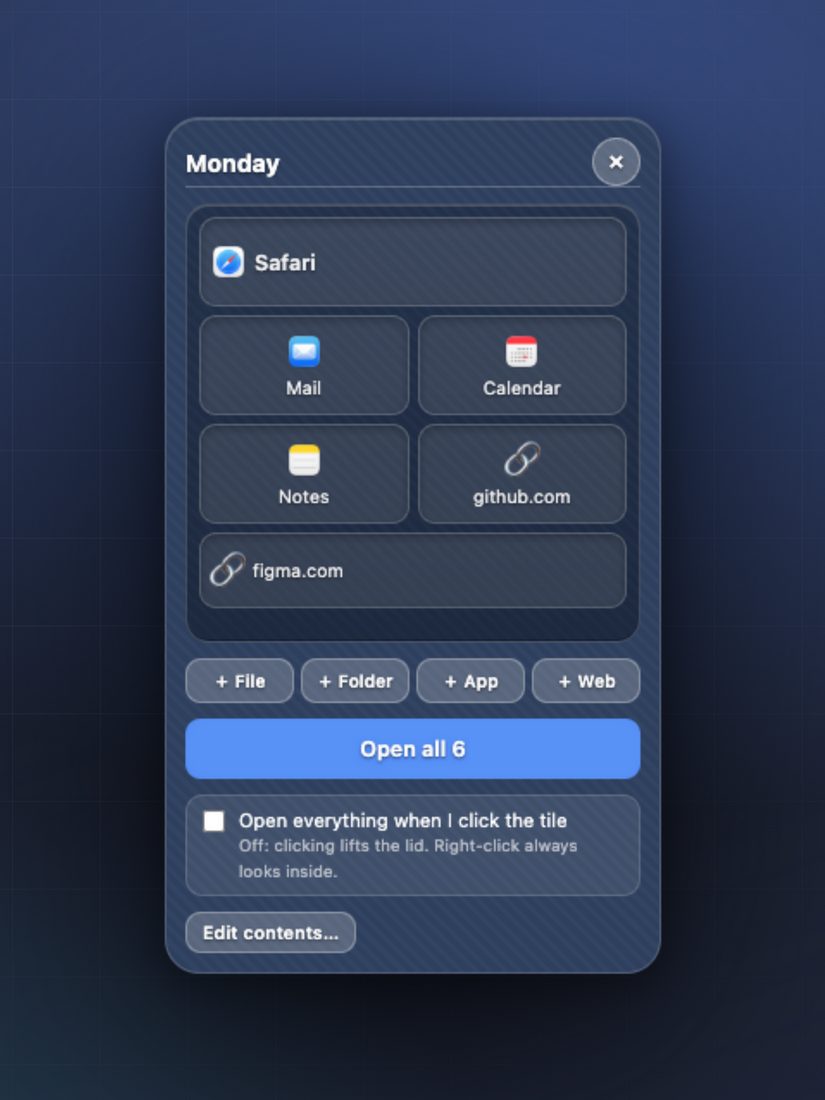
Gather the folder, the notes and the two sites you always open together behind one tile. Lift the lid and take one thing, or open the lot.
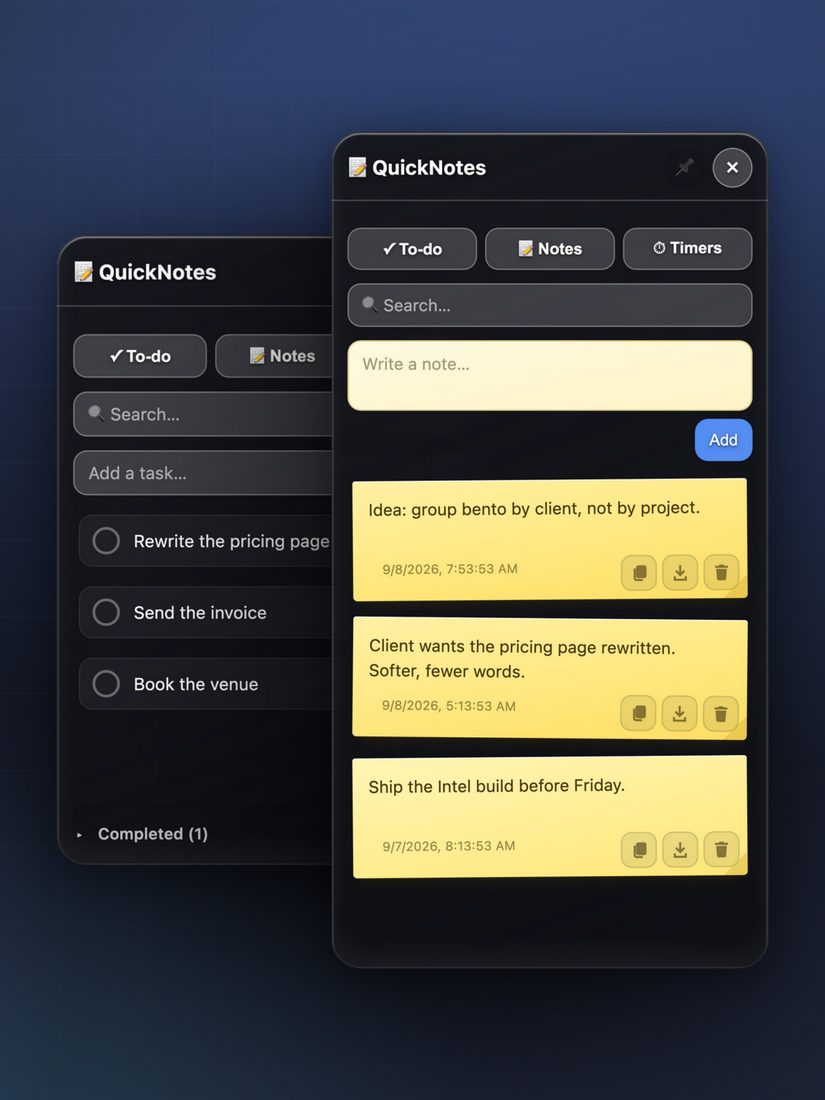
Focus built in
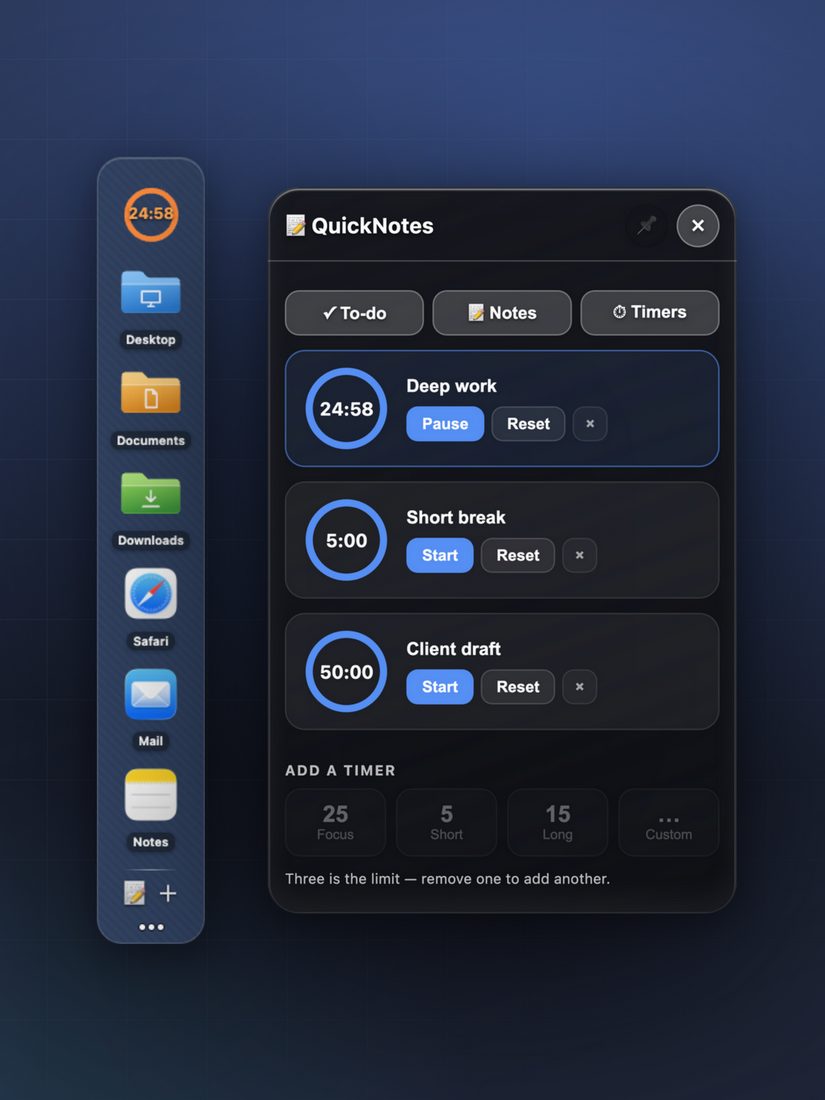
Twenty-five minutes of deep work, five to breathe — or any length you name. Up to three timers at once, counting down on the dock itself.
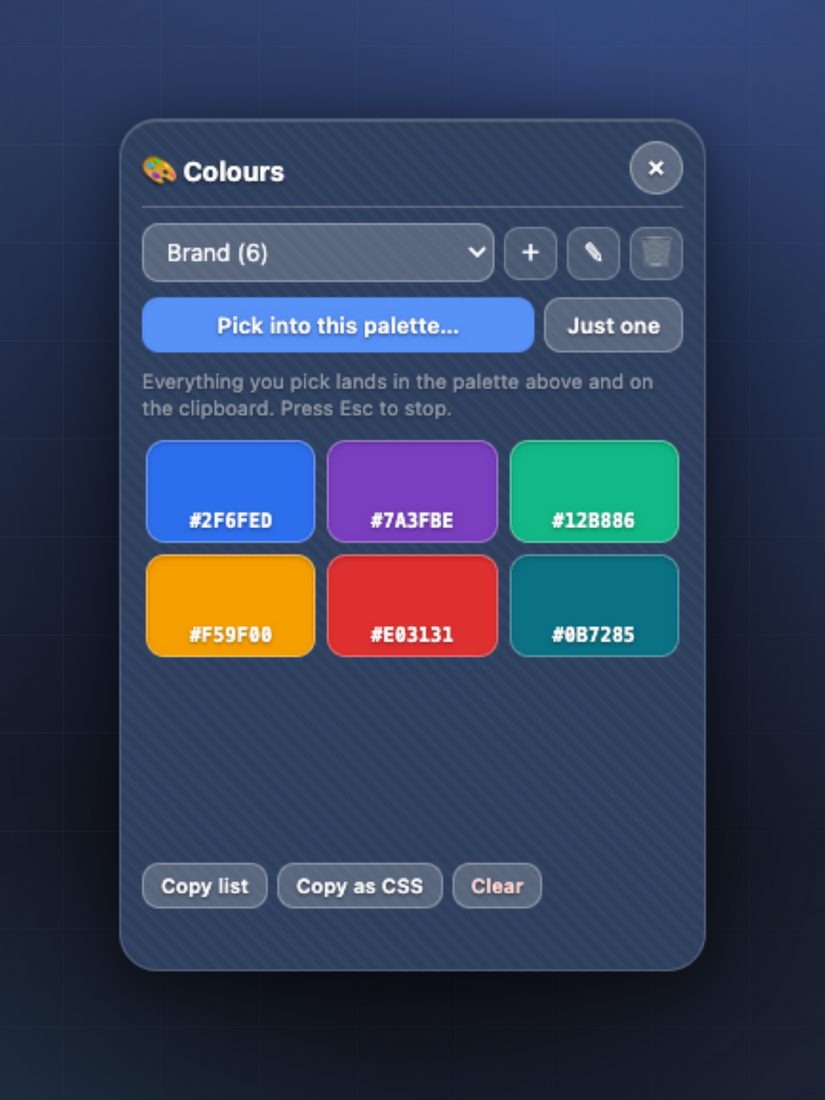
An advanced colour picker
Point at anything on screen and the hex lands on your clipboard. Collect colours into palettes you name — no screen-recording permission needed.
Privacy & Terms
No account, no sign-in, no analytics. SuperDock Lite works entirely on your Mac and collects nothing.
Permissions it asks for
01Who we are
SuperDock Lite is made by NovakPlay, operated by [LEGAL NAME] in [CITY, PROVINCE], Canada. This statement explains what the app does with your information.
02What we collect
Nothing. SuperDock Lite works entirely on your Mac. The dock you build, your notes and your timers are stored locally. There are no accounts, no analytics and no ads.
03Permissions the app asks for
The app only asks when a feature needs it, and you can change your answer any time in Settings.
04Purchases
In-app purchases are processed by Apple through your App Store account, so NovakPlay never sees your payment details.
05Children
SuperDock Lite is not directed at children under 13 and does not knowingly collect their information. Age rating: [AGE RATING].
06Your rights
Because your data stays on your device, deleting the app deletes it. For any privacy question or request under Canadian privacy law (PIPEDA), contact hello@novakplay.com.
07Changes
If this statement changes we’ll update it here and change the effective date above.
01The agreement
By downloading or using SuperDock Lite, you agree to these terms. If you don’t agree, please don’t use the app. The agreement is between you and NovakPlay, operated by [LEGAL NAME].
02Your licence
NovakPlay grants you a personal, non-exclusive, non-transferable licence to use SuperDock Lite on the devices you own or control, for your own use.
03Purchases & subscriptions
SuperDock Lite is sold through the App Store, which handles billing, tax and receipts under its own terms. Any prices, free tiers or upgrades are shown in the app before you buy.
04Acceptable use
Please don’t reverse engineer, resell or redistribute the app except where the law expressly allows, and don’t use it to break the law or infringe anyone’s rights.
05The app is provided “as is”
SuperDock Lite is provided as is, without warranties of any kind. We work hard to make it reliable, but we can’t promise it will be uninterrupted, error-free or fit every purpose.
06Limitation of liability
To the fullest extent the law allows, NovakPlay is not liable for indirect, incidental or consequential damages arising from your use of the app.
07Governing law
These terms are governed by the laws of [PROVINCE], Canada, without regard to conflict-of-laws rules.
08Contact
Questions about these terms? Email hello@novakplay.com.